
Find out what is stopping the ad.
Some apps and games only let you carry on, or give you a reward, after you watch an ad. When the Watch ad button does nothing, the video freezes, or you get “No ads available right now”, you are stuck, and nothing on the screen says why. Often the cause is on your own phone or network: a setting, a VPN, an ad blocker someone told you to turn on. Why Can't I Watch Ads? is for you if that is where you are, and for whoever in the family gets asked to fix it.
Tests with a real ad
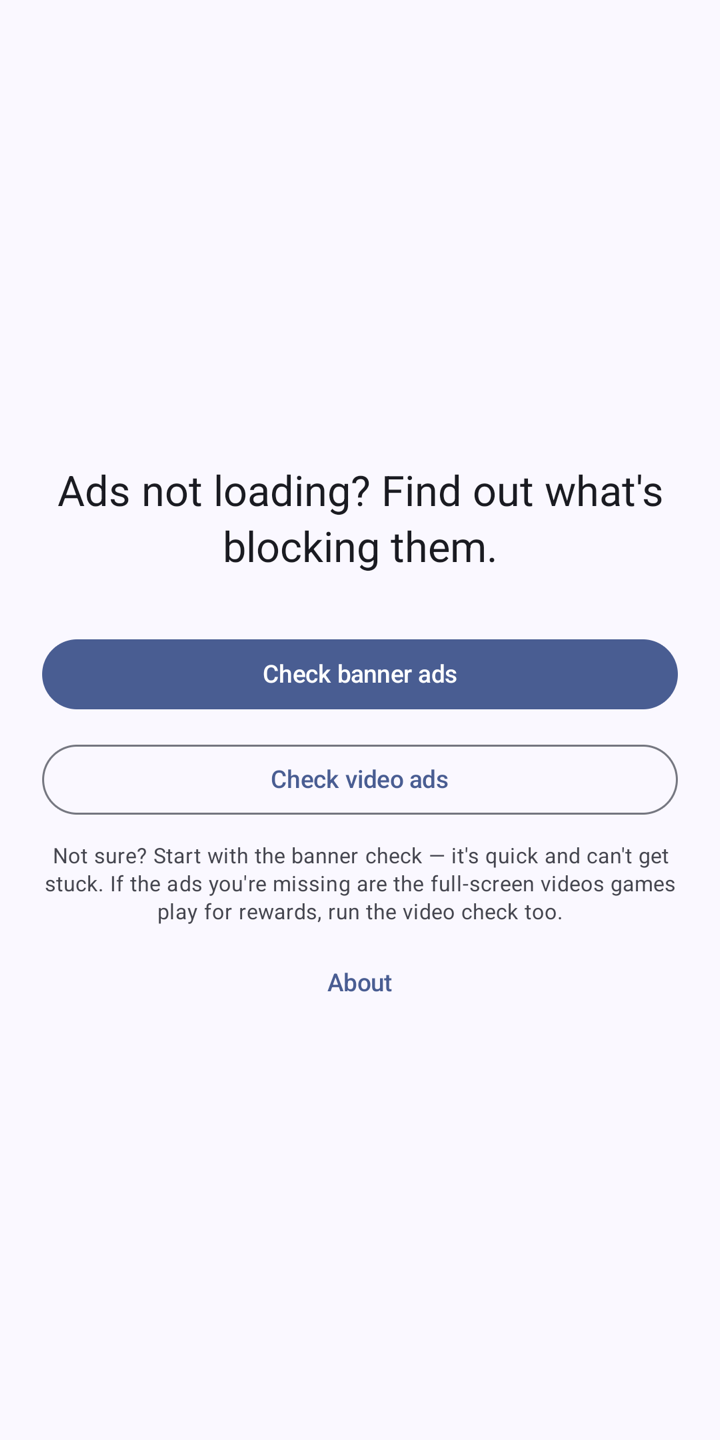
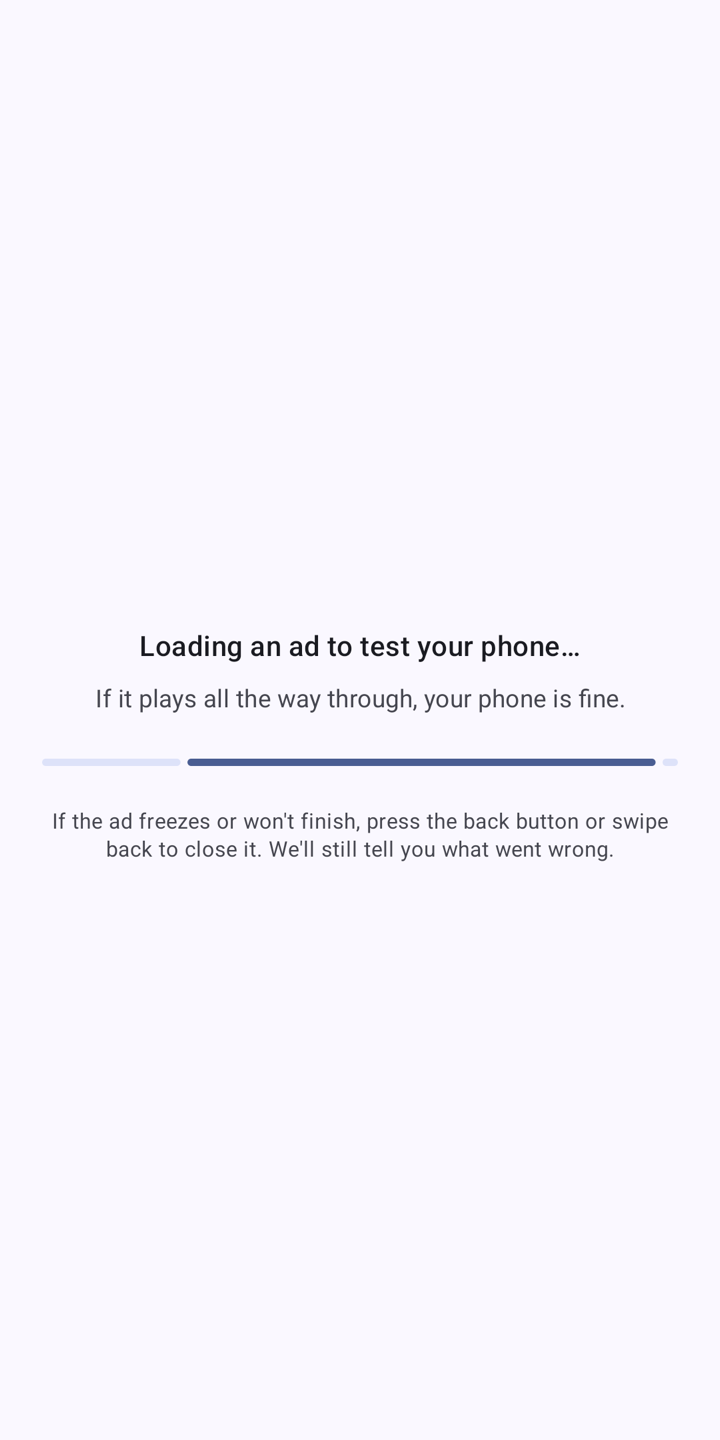
Pick the banner check or the video check. The video check plays the same kind of full-screen video a game shows you for a reward.
If the ad plays, your phone is fine
Then the app you were having trouble with is probably having a bad moment, or has run out of ads to show for now. You can stop changing settings.
If it does not, you get findings
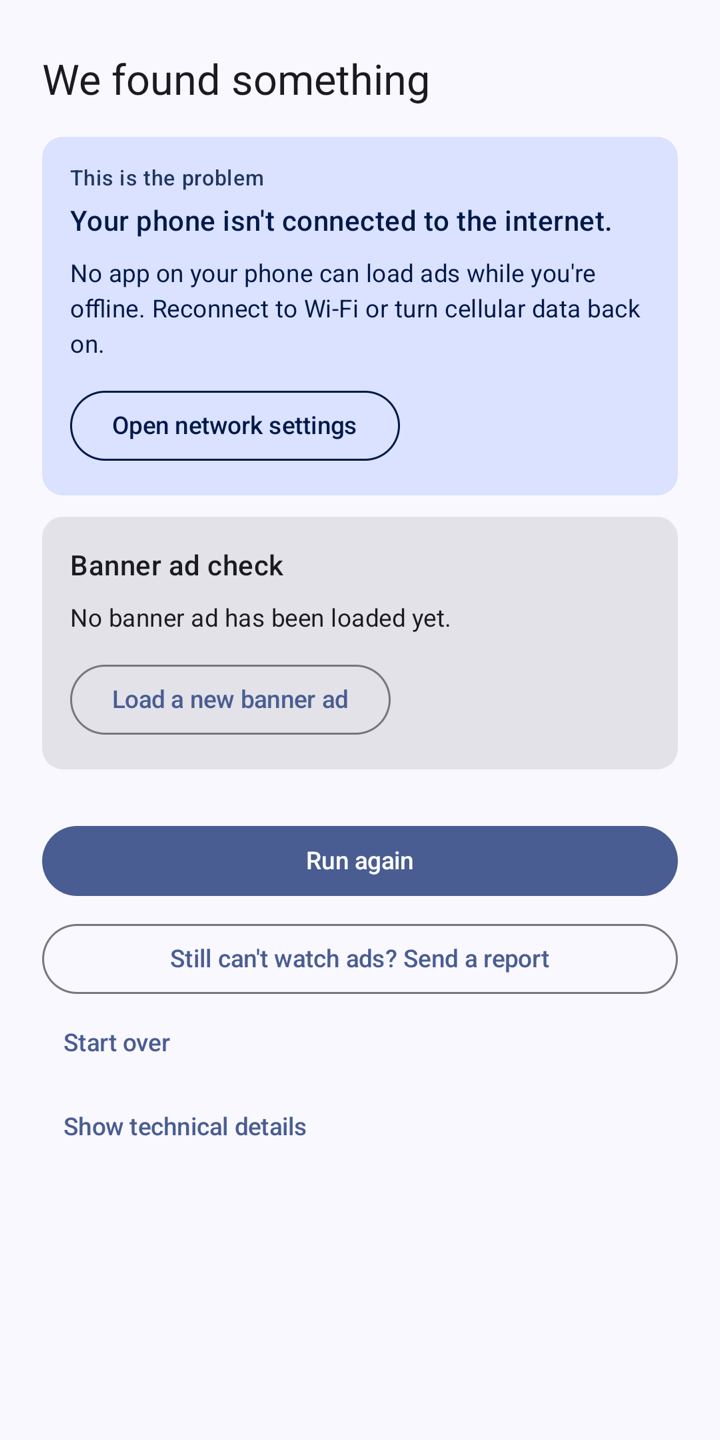
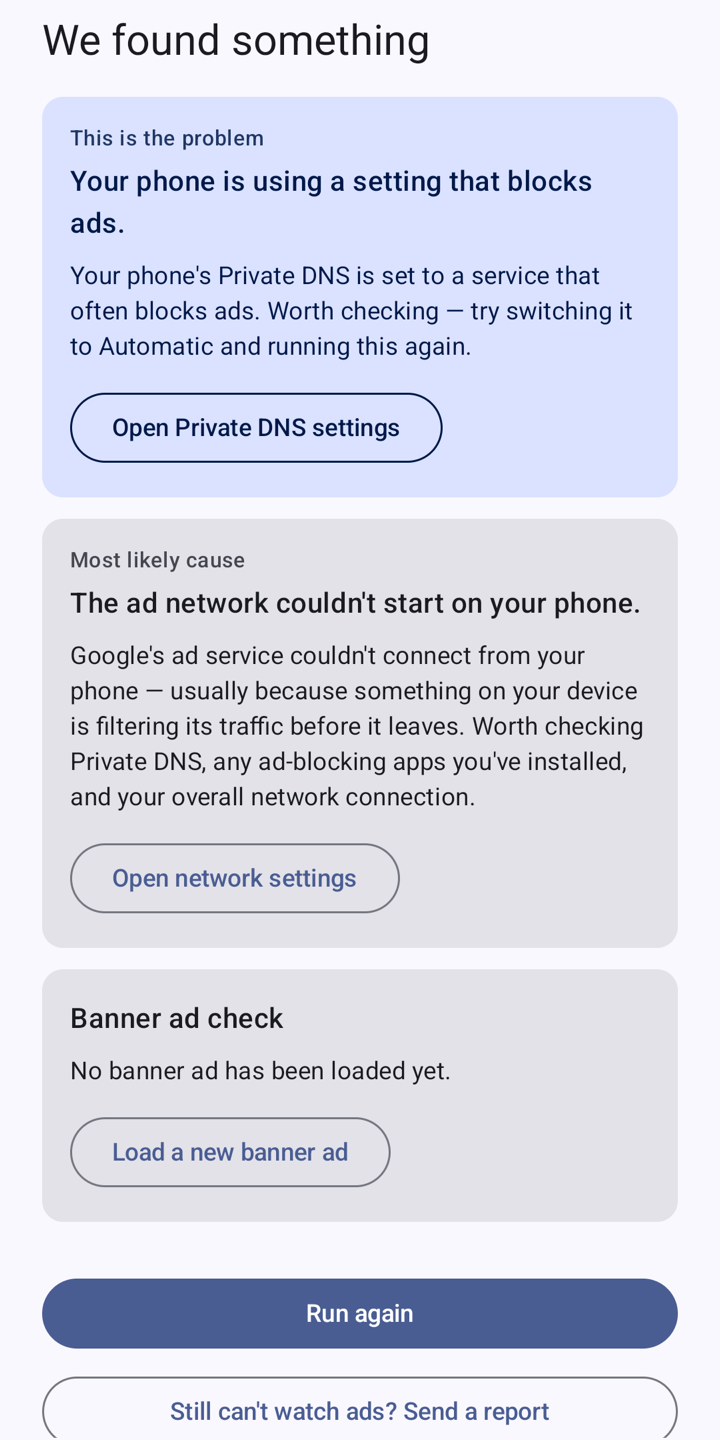
The app checks your phone and your connection and shows up to three things, most likely first, in plain language.
A button for each one
Every finding comes with a button that opens the right Settings screen, so you are not hunting through menus.
It suggests, it does not pronounce
Working out what is wrong from inside one app is hard. When it is fairly sure, it says this is a good first thing to check, not that it knows.
In your language
English, Spanish, Portuguese, Indonesian, Hindi and Russian. It follows your phone's language.
What it looks like.
The usual suspects.
Private DNS that blocks ads
The most common cause. Many guides for blocking ads on Android tell you to turn it on, and it quietly stops reward videos in games too.
A VPN or an ad-blocking app
One is running on your phone and filtering ad traffic, or your VPN makes your phone look like it is in a different country from its other settings.
Your network
You are offline, on Wi-Fi that wants you to sign in first (hotels, airports, cafés), or on a network that blocks the websites ads come from.
Out-of-date parts of Android
Google Play Services is missing or old, or Android System WebView, the part that draws most ads, needs an update.
Ad settings and consent
Personalised ads are turned off, or Google's ad permission message could not load or you said no to it.
Things you cannot change
You are on a mobile network in a country where Google does not show ads, or the ad network just did not answer in time.
One tap, then an answer.
Pick a check
Check banner ads is quick and cannot get stuck. Check video ads plays a full-screen reward video. If you are not sure, start with the banner.
Watch what happens
If the ad shows up, or the video plays all the way through, your phone can show ads.
Read the findings
If it does not, you get up to three likely causes with a button for each. Fix one, tap Run again, and see if the ad comes through.
The test ad is a real ad.
That is how the app pays for itself, and it is the only way to know whether ads reach your phone. The checks run on your phone, and the results are gone when you close the app unless you choose to email a report.
- No account. There is nothing to sign up for.
- No analytics or crash reporting run by the developer.
- The ads are served by Google AdMob, which collects what it normally collects to show ads. In Europe, the UK and Switzerland you see Google's consent message first.
- Two of the network checks contact raylytics.io. We do not record them.
- Still stuck? Send a report opens your own email app with the results filled in. Nothing is sent unless you press send.
- Read the full privacy policy →
Live on Google Play.
Why Can't I Watch Ads? is free on Google Play for Android phones. It does not block ads, and it cannot make another app show more of them. It finds what on your phone or connection is stopping ads from getting through, so you know what to try. Questions: [email protected].