
From your camera roll to the TV in seconds.
Auto-discover your TV
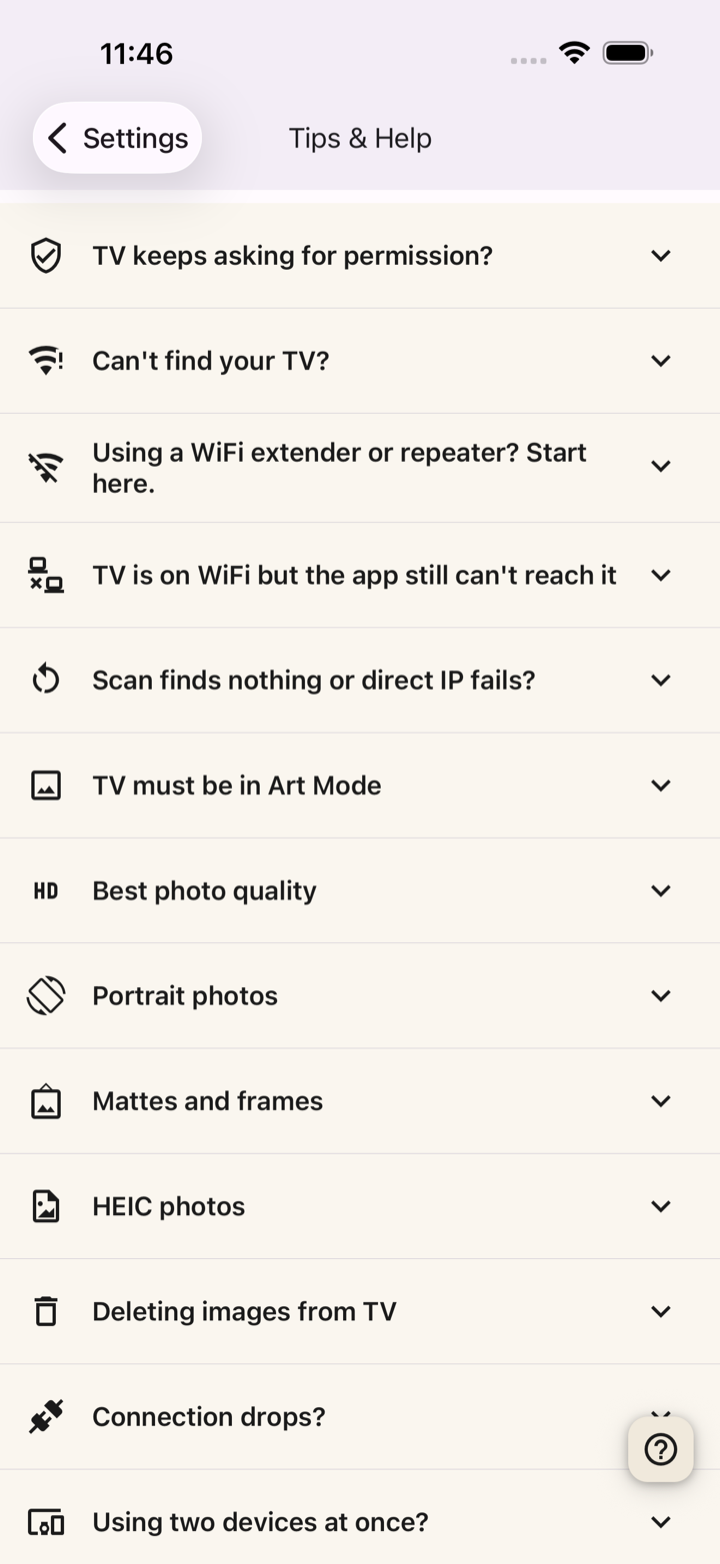
Open Frame finds a compatible television on the same Wi-Fi automatically. No IP entry, no pairing codes.
Any photo, any format
Pick from your photo library — HEIC, JPEG, or PNG. The app converts HEIC automatically so the TV sees a format it likes.
Crop, rotate, frame
Quick crop and rotate, then pick a matte: modern, shadowbox, panoramic, and more. Preview before it leaves your phone.
Batch uploads
Send one photo or fifty in a single batch with live progress. The app picks back up cleanly if you walk out of range.
Manage the gallery
Browse what's already on the TV, swap the active piece, edit mattes, or delete photos — without picking up the remote.
Local Wi-Fi only
Your iPhone talks to the television directly over your home network. There is no Open Frame server, and your photos never touch one.
What it looks like.
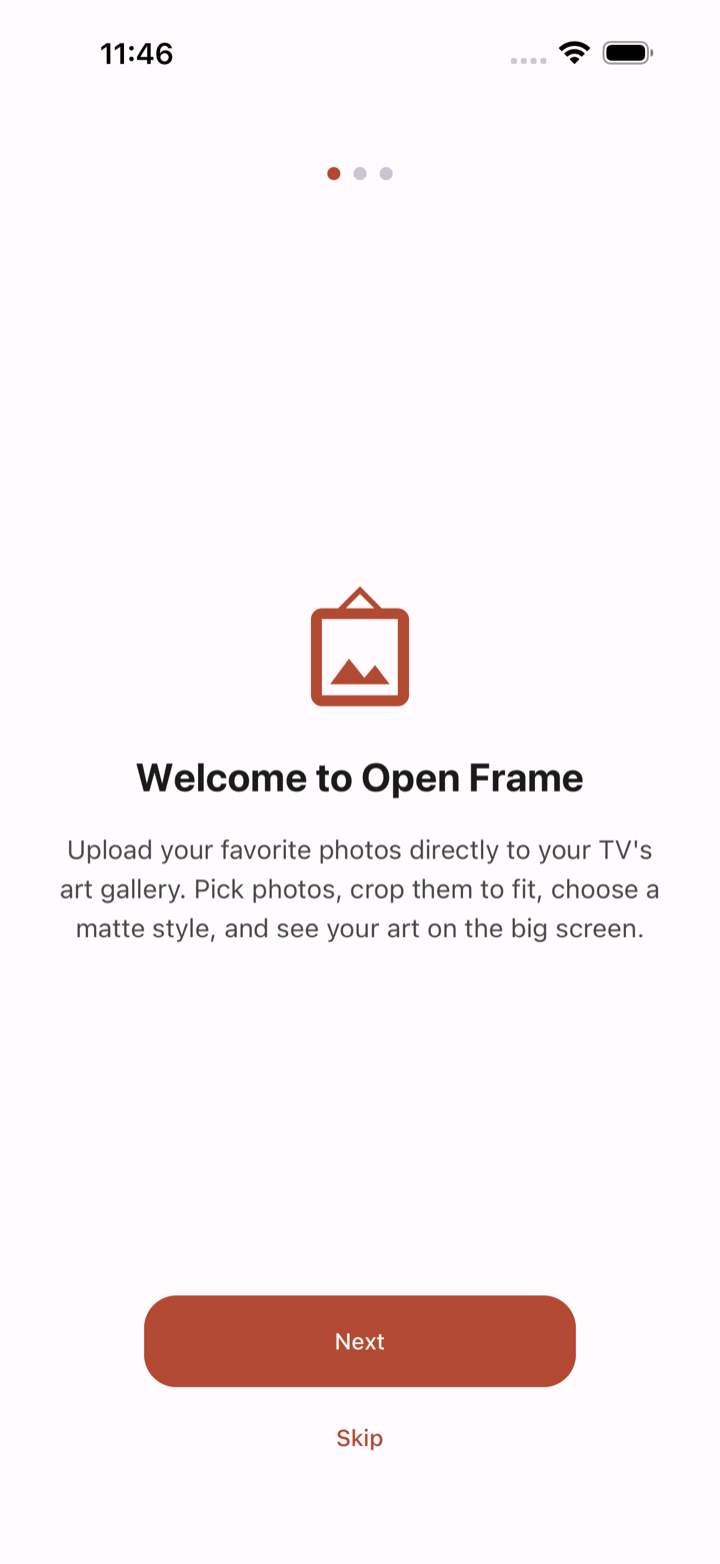
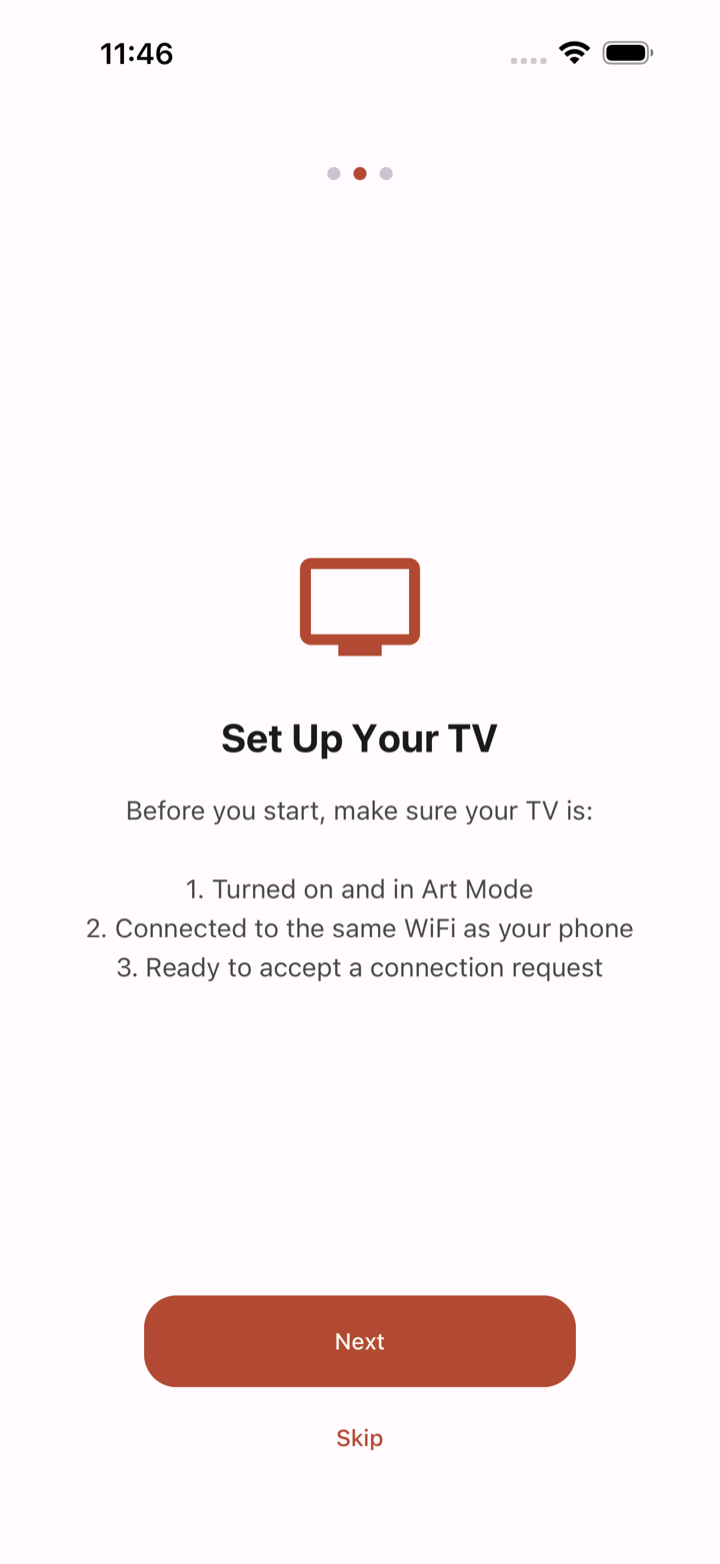
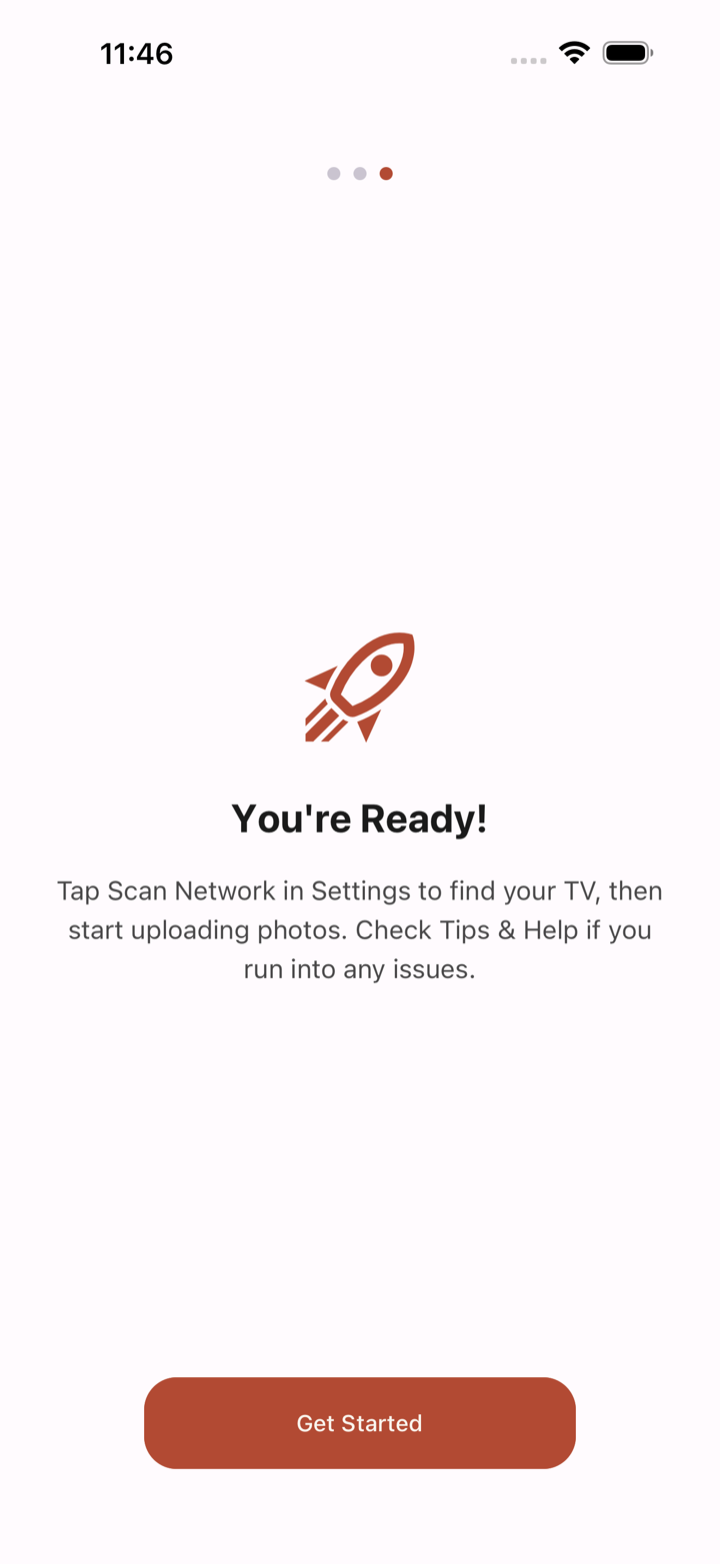
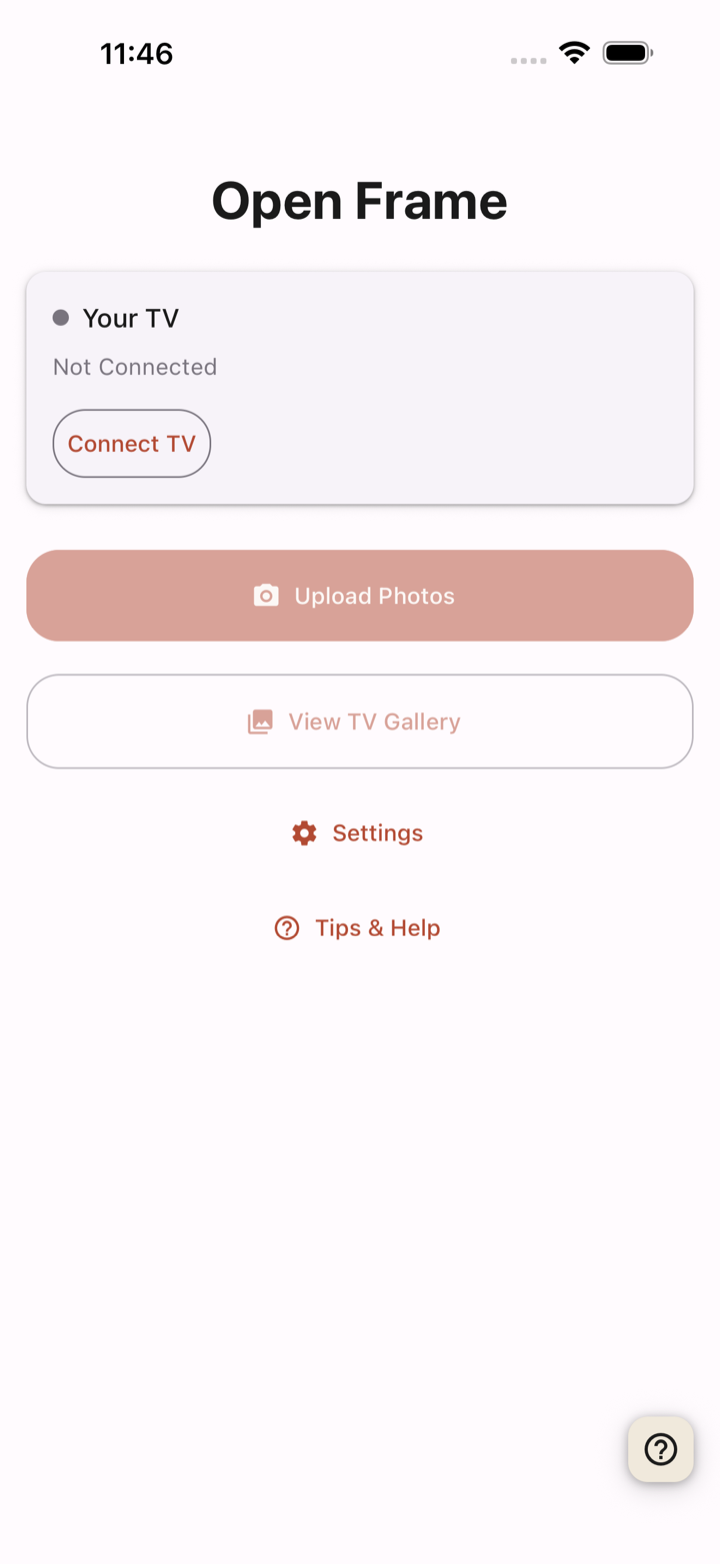
Three hops. Zero servers.
iPhone finds TV
Open Frame scans your local Wi-Fi for a compatible television and connects directly — no cloud handshake.
You pick + frame
Choose a photo, crop, rotate, pick a matte. All processing happens on your iPhone before anything moves.
Upload to the gallery
Your iPhone sends the framed image straight to the television's art gallery over Wi-Fi. That's it.
Your photos go phone → TV. Nothing else.
There is no Open Frame backend. The app does not run an account system and never sends your photos to a remote server. It has no analytics or crash reporting of its own; the ad SDKs’ own measurement is described in the privacy policy.
- No cloud upload. Photos are sent directly to the TV over your home Wi-Fi.
- No account. There is nothing to sign up for.
- No analytics or crash reporting of its own. The ad SDKs’ measurement is described in the privacy policy.
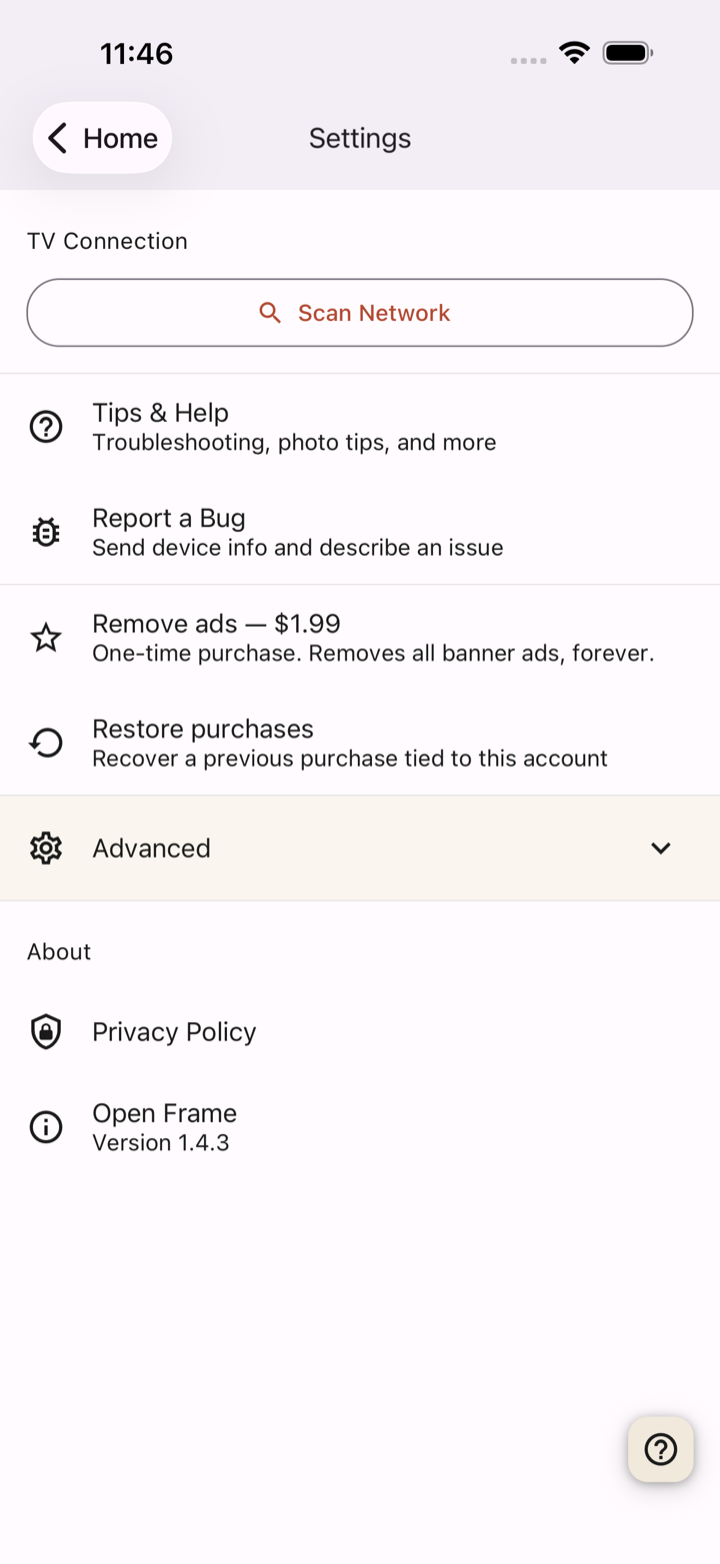
- One banner ad is served through Appodeal mediation, behind the InMobi consent platform, and never sees your photos. A one-time $1.99 purchase removes it; the purchase is handled by Apple.
- Your photos are never sold or shared. The ad partners’ use of advertising data is covered by your consent choices (Settings → Privacy choices).
- Read the full privacy policy →
An art-mode TV and the same Wi-Fi.
A 4K television with a built-in art or gallery mode, that mode switched on, and your iPhone on the same Wi-Fi network. Open Frame also needs the Local Network permission so it can find the TV.
Not every art-mode television is supported. If Open Frame cannot reach yours, your television manufacturer's own companion app remains the supported way to transfer images. Questions before you install? Email [email protected].