
From your camera roll to the TV in seconds.
Auto-discover your TV
Open Frame finds your Samsung Frame on the same Wi-Fi automatically. No IP entry, no pairing codes.
Any photo, any format
Pick from your library — including HEIC. The app handles conversion before upload so the TV sees a format it likes.
Crop, rotate, frame
Quick crop and rotate, then pick a matte: modern, shadowbox, panoramic, and more. Preview before it leaves your phone.
Batch uploads
Send one photo or fifty in a single batch with live progress. The app picks back up cleanly if you walk out of range.
Manage the gallery
Browse what's already on the TV, swap the active piece, edit mattes, or delete photos — without picking up the remote.
Local Wi-Fi only
Phone talks to TV directly over your home network. There is no Open Frame server, and your photos never touch one.
What it looks like.
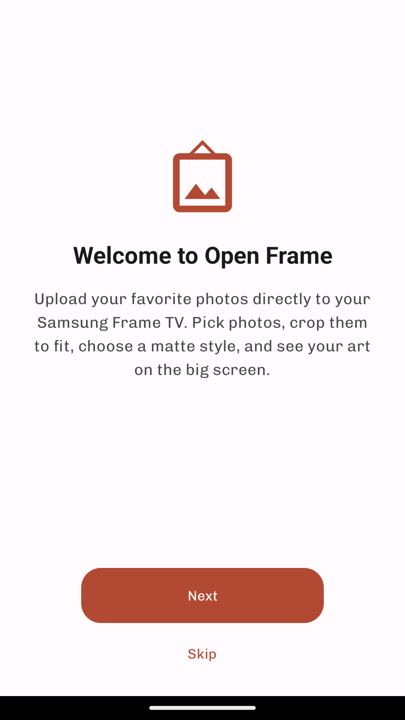
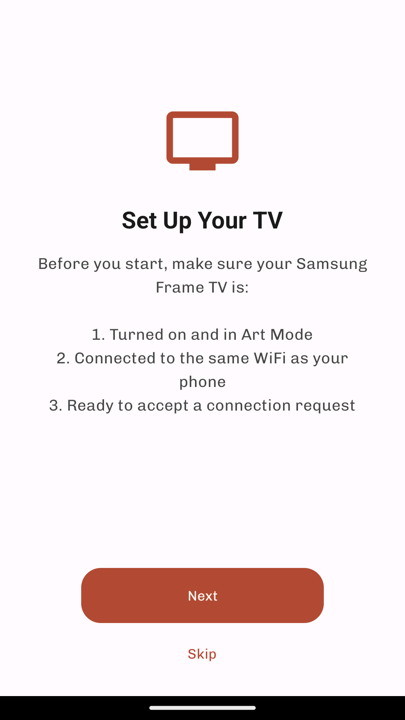
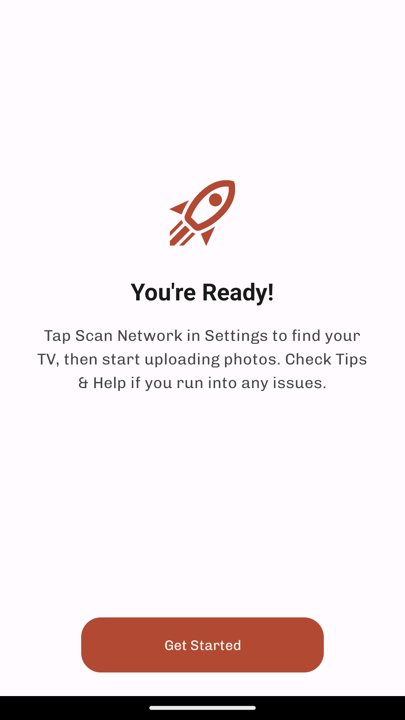
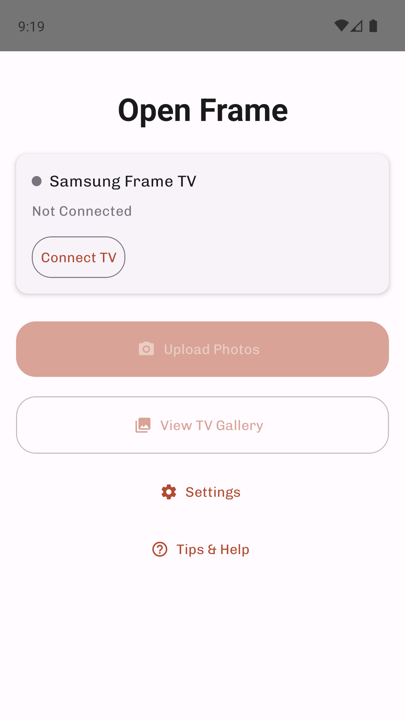
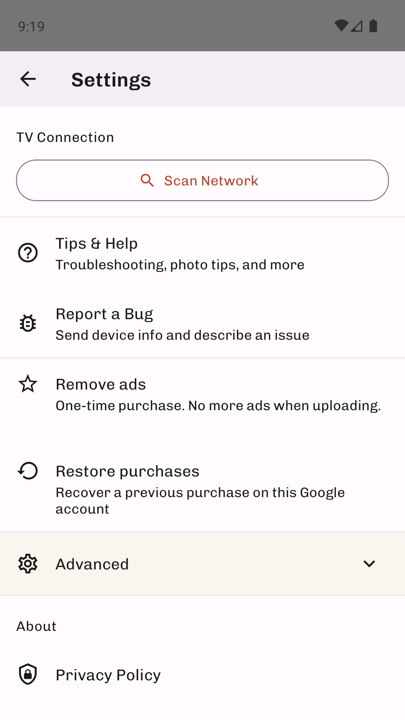
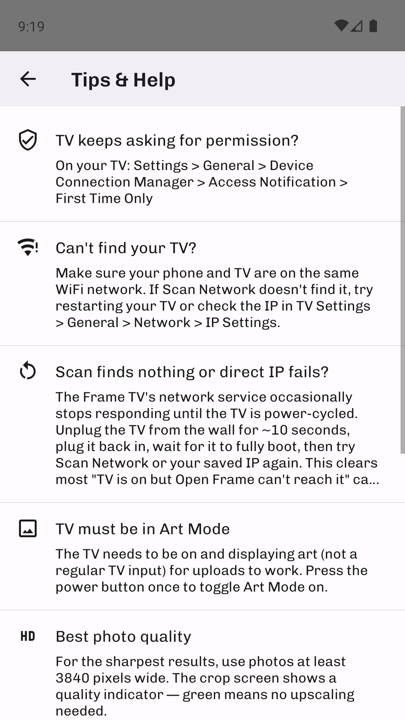
Three hops. Zero servers.
Phone finds TV
Open Frame scans your local Wi-Fi for a Samsung Frame and connects directly — no cloud handshake.
You pick + frame
Choose a photo, crop, rotate, pick a matte. All processing happens on your phone before anything moves.
Upload to Art Mode
Phone sends the framed image to the TV using the same protocol Samsung's own remote app uses. That's it.
Your photos go phone → TV. Nothing else.
There is no Open Frame backend. The app does not run an account system and never sends your photos to a remote server. It has no analytics or crash reporting of its own; the ad SDKs’ own measurement is described in the privacy policy.
- No cloud upload. Photos are sent directly to the TV over your home Wi-Fi.
- No account. There is nothing to sign up for.
- No analytics or crash reporting of its own. The ad SDKs’ measurement is described in the privacy policy.
- One banner ad is served through Appodeal mediation, behind the InMobi consent platform, and never sees your photos. A one-time $1.99 purchase removes it; the purchase is handled by Google Play.
- Your photos are never sold or shared. The ad partners’ use of advertising data is covered by your consent choices (Settings → Privacy choices).
- Read the full privacy policy →
Live on Google Play.
Open Frame is out on Google Play. It is free to install, shows a banner ad on a few screens, and a one-time $1.99 purchase removes those ads for good. Uploads are never gated behind an ad.
On an iPhone? Open Frame for iOS has its own page at raylytics.io/openframe-ios. Questions either way: [email protected].